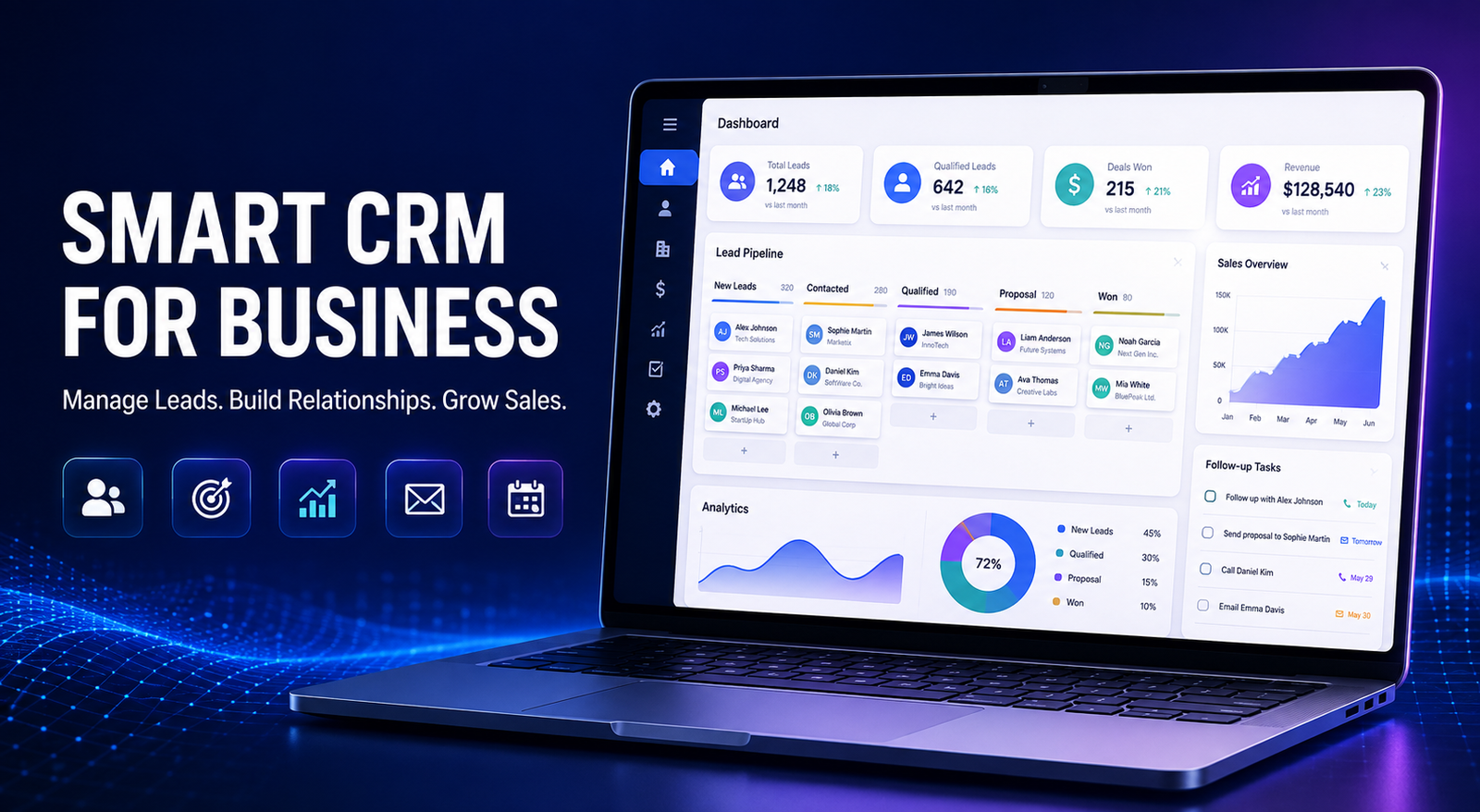
How a CRM Panel Can Help Your Business Manage Leads and Increase Sales
Managing customer enquiries, sales leads and follow-ups manually can become difficult as a business grows. Important information may get scattered across spreadsheets, notebooks, emails and WhatsApp conversations. This can result in missed follow-ups, delayed responses and lost sales opportunities.
A powerful CRM panel solves this problem by bringing your customer data, leads, tasks and sales activities together on one organised platform. It gives business owners and sales teams better control over the complete customer journey—from the first enquiry to the final conversion.
What Is a CRM Panel?
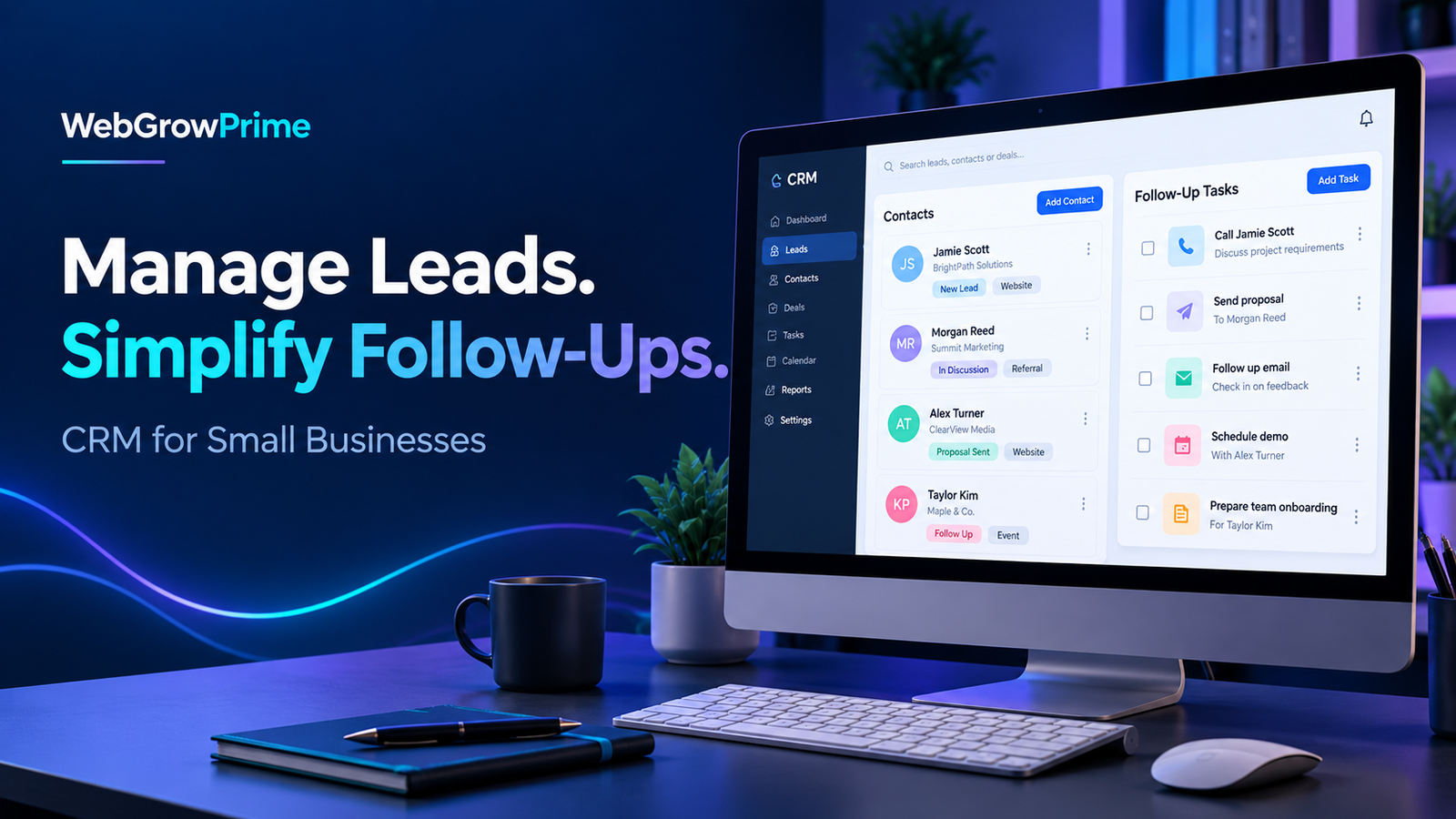
CRM stands for Customer Relationship Management. A CRM panel is a centralised digital dashboard that helps businesses record customer details, manage leads, schedule follow-ups and monitor sales performance.
Instead of searching through multiple applications and spreadsheets, your team can access important customer information from one convenient panel. This makes daily operations faster, more organised and easier to monitor.
Important Features of a CRM Panel
1. Centralised Lead Management
A CRM panel stores all your leads in one place. Your team can view customer names, contact details, enquiry sources, requirements and communication history without managing multiple files.
2. Lead Status Tracking
Every lead can be organised according to its current status, such as new lead, contacted, follow-up required, interested, converted or closed. This gives the sales team a clear overview of the complete sales pipeline.
3. Follow-Up Management
Timely follow-ups play an important role in converting enquiries into customers. A CRM panel allows your team to schedule follow-ups, create tasks and set reminders so that potential customers are not forgotten.
4. Customer Data Management
Customer contact details, previous interactions, preferences, notes and purchase history can be stored in one profile. This helps your team provide a faster and more personalised customer experience.
5. Team and Employee Management
Business owners can assign leads and tasks to different team members. They can also monitor employee activities, pending work and lead progress through a single dashboard.
6. Sales Pipeline Monitoring
A structured sales pipeline shows how many leads are present at each stage. It helps businesses identify delays, understand conversion opportunities and improve their sales process.
7. Reports and Business Insights
CRM reports can help you understand lead sources, employee performance, follow-up status and sales conversions. These insights allow business owners to make informed decisions based on actual data.
8. Secure and Organised Records
Keeping business records inside a CRM panel is more organised than maintaining information across different files. Authorised access can also help businesses protect confidential customer information.
Benefits of Using a CRM Panel
- Keeps customer and lead information organised
- Reduces missed enquiries and follow-ups
- Improves communication within the sales team
- Helps businesses respond to customers faster
- Provides better visibility into team performance
- Supports personalised customer communication
- Saves time by reducing repetitive manual work
- Improves lead conversion and customer retention
Why Growing Businesses Need a CRM System
As the number of enquiries increases, manually managing every customer becomes time-consuming and unreliable. Without a proper system, team members may contact the same customer twice, forget an important follow-up or lose valuable customer information.
A CRM panel creates a clear and repeatable process for managing every lead. It allows the entire team to work with updated information and helps management understand what is happening at every stage of the sales process.
How CRM Improves Customer Experience
Customers expect businesses to understand their requirements and respond quickly. Because a CRM system maintains previous interactions and customer details, employees can communicate with better context.
Faster responses, accurate information and personalised follow-ups create a more professional experience. Over time, this can improve customer satisfaction, trust and loyalty.
Choose the Right CRM Solution with WebGrowPrime
Every business follows a different sales and customer-management process. Therefore, a CRM panel should support the organisation’s actual workflow and make it easier for employees to complete their daily responsibilities.
WebGrowPrime helps businesses build modern digital solutions designed to simplify operations and support growth. A well-planned CRM panel can help you organise leads, improve follow-ups, monitor performance and make smarter business decisions.
Final Thoughts
A CRM panel is more than a customer database. It is a complete business-management solution that connects your leads, customers, team members, tasks and sales information.
If your business is struggling with scattered data, missed follow-ups or limited sales visibility, implementing a CRM panel can be an important step towards building a more efficient and scalable business.
Ready to improve your lead and customer management process? Contact WebGrowPrime to explore a CRM solution tailored to your business requirements.
Frequently Asked Questions
What is the main purpose of a CRM panel?
The main purpose of a CRM panel is to help businesses organise customer information, manage leads, schedule follow-ups and monitor sales activities from one platform.
Can small businesses use a CRM panel?
Yes. Small businesses can use a CRM panel to create an organised sales process from the beginning and manage increasing customer enquiries more efficiently.
Does a CRM system help increase sales?
A CRM system supports sales growth by improving lead organisation, follow-up consistency, response time and visibility into the sales pipeline.
Can CRM software monitor employee performance?
Depending on its available features, a CRM panel may help managers monitor assigned leads, completed activities, pending follow-ups and individual sales performance.
Can a CRM panel be customised?
A CRM panel can be developed or configured according to a business’s workflow, industry, team structure and reporting requirements.